
Create Source System Owner
This topic describes the procedure to create a Source System Owner for Job Requisitions in Oracle.
Before you begin
Before you start, make sure the user has at least one of the following privileges assigned:
ORA_IRC_ACCESS_RECRUITING_ACTIVITY_CENTER_DUTYORA_IRC_REST_SERVICE_ACCESS_JOB_REQUISITIONS
For instructions on creating and assigning a custom role with required privileges, see Creating Custom Role.
Procedure
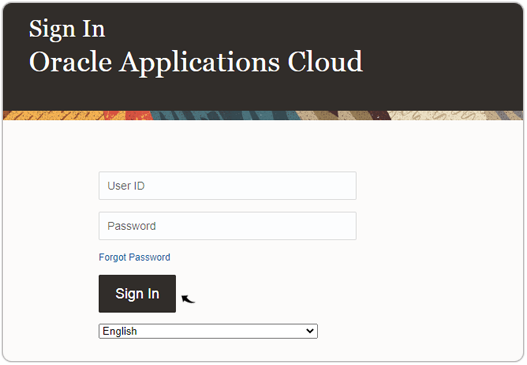
- Visit and sign in to your Oracle Cloud HCM Application.Note: You must have the Application Implementation Consultant Role to configure the RChilli integration. Contact Oracle admin for more details.
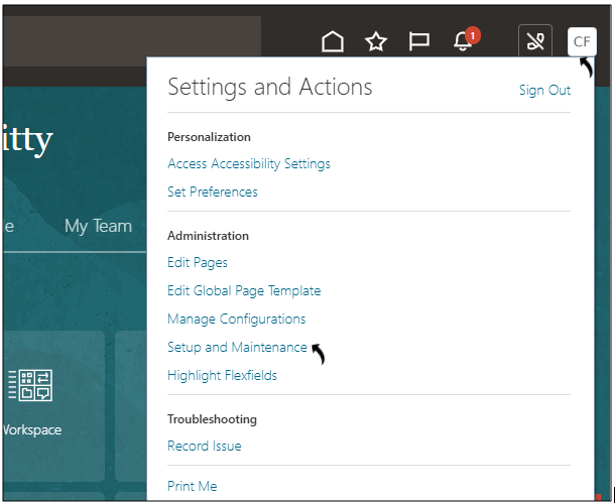
- Navigate to: Profile → Setup and Maintenance.
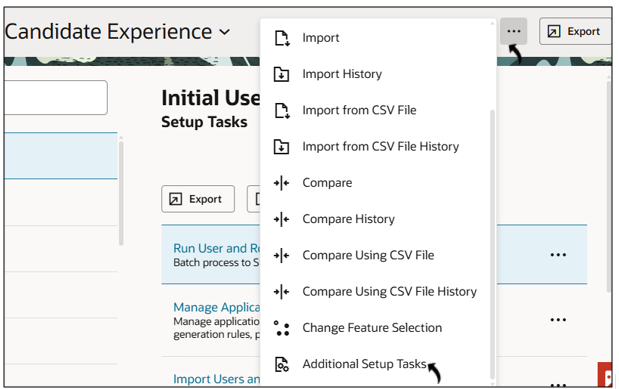
- Click More Actions (⋯) → Additional Setup Tasks.
- Select Task → Search.
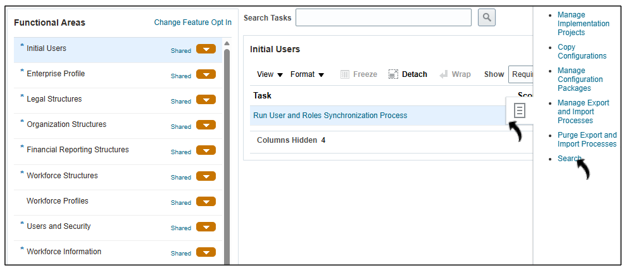
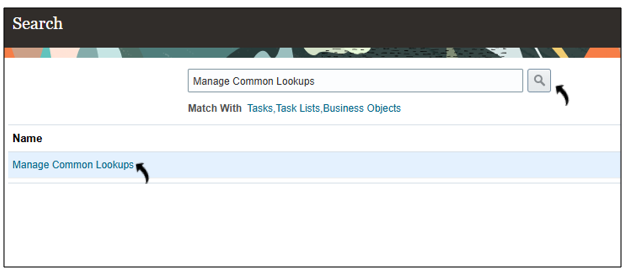
- Search and open: Manage Common Lookups.
- Enter lookup type:
HRC_SOURCE_SYSTEM_OWNER.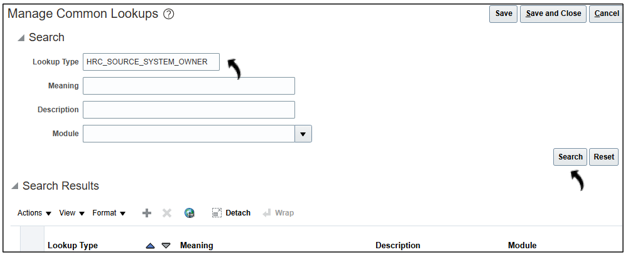
Add New Source System Owner
- In Lookup Codes, click + (New).
-
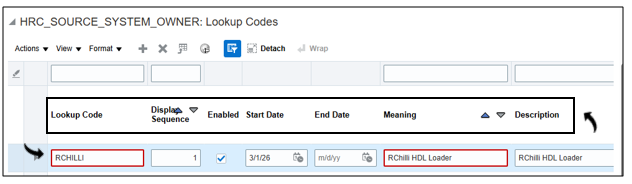
Provide:
- Lookup Code
- Display Sequence
- Enabled (checkbox)
- Start/End Date
- Meaning / DescriptionNote: In below example, RCHILLI is used as the Source System Owner.
- Click Save.